AltTextify - BigCommerce User Guide
Welcome to the AltTextify BigCommerce User Guide! This guide will walk you through setting up and using AltTextify to generate smart, SEO-optimized alt text for your product images.
Welcome to the AltTextify BigCommerce User Guide! This guide will walk you through setting up and using AltTextify to generate smart, SEO-optimized alt text for your product images.
No tech skills needed—just a few clicks to better accessibility and higher search rankings.
Let’s help your images do the selling for you!
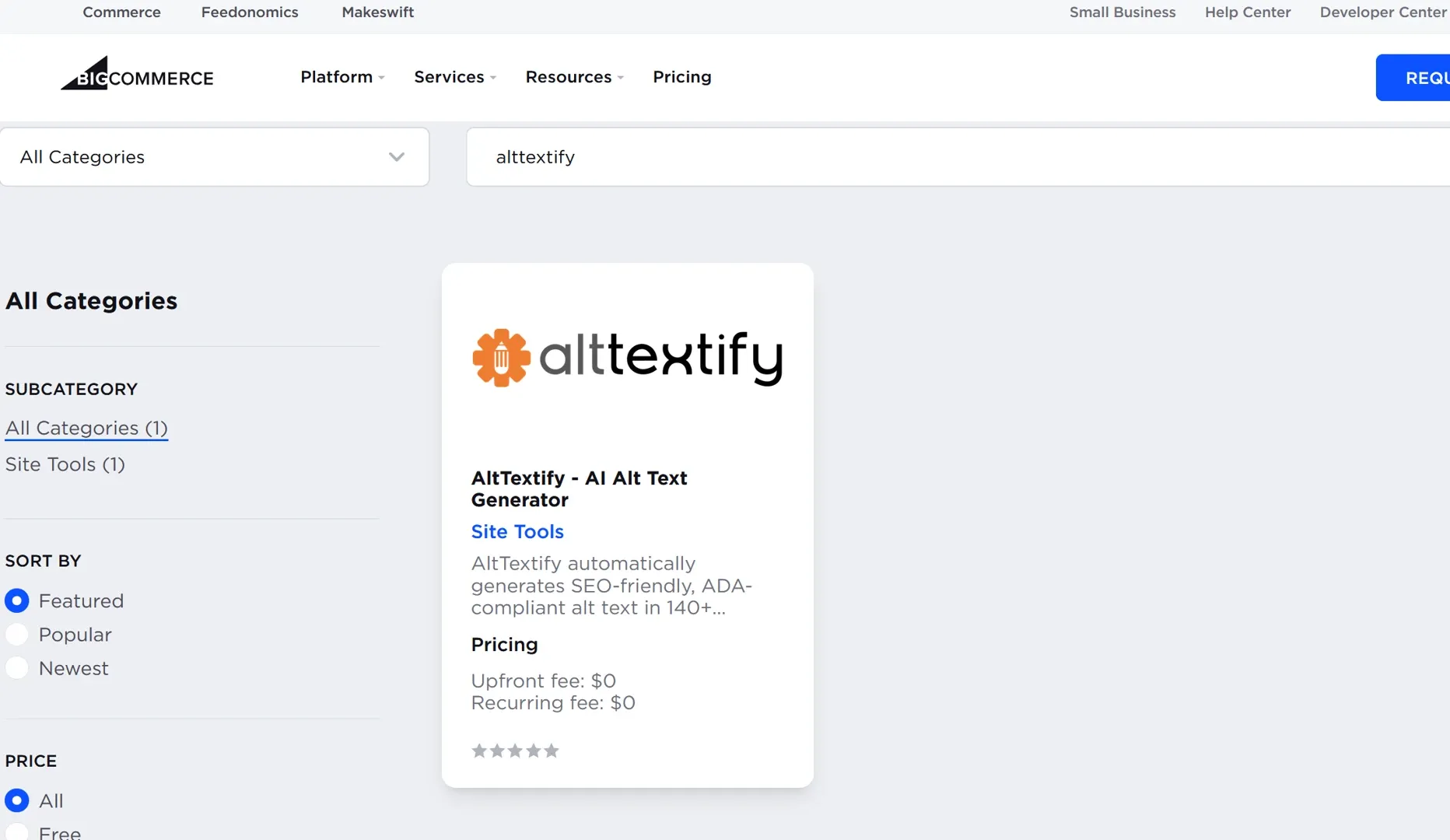
Search for AltTextify app in App marketplace
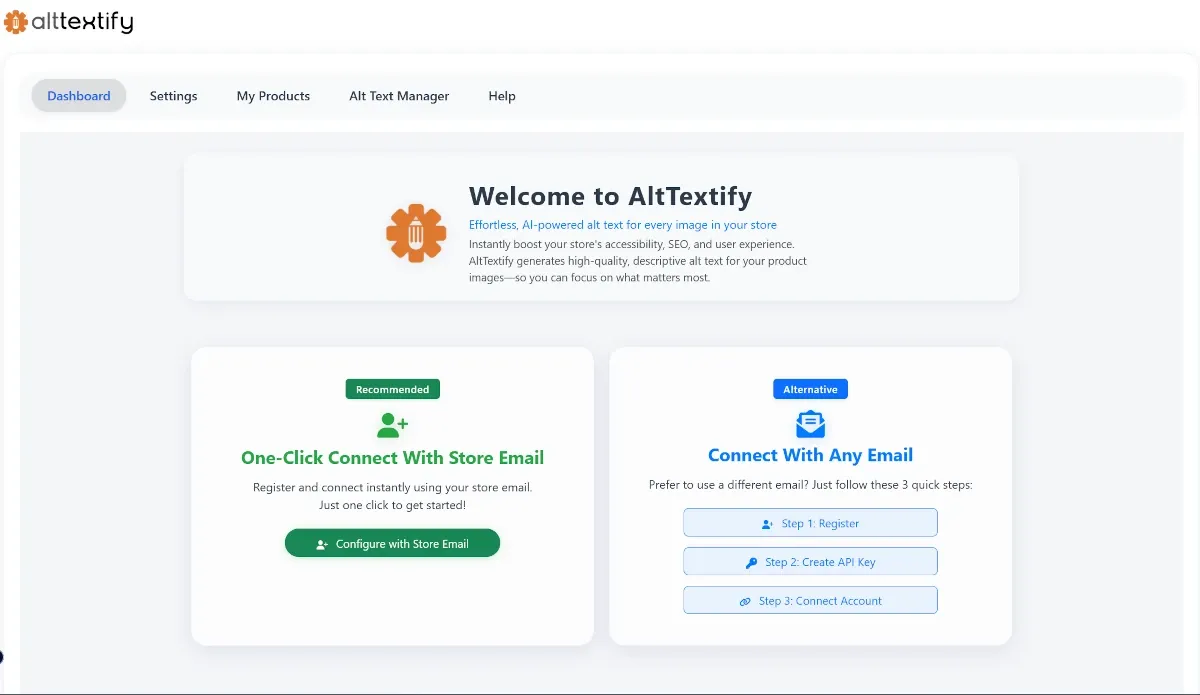
Register & Connect With AltTextify.net
- Create your account and Generate your API key to get started.
- Track your API usage and monitor available credits.
- Purchase additional credits when running low.
- Configure your preferences or begin setup as a new user.
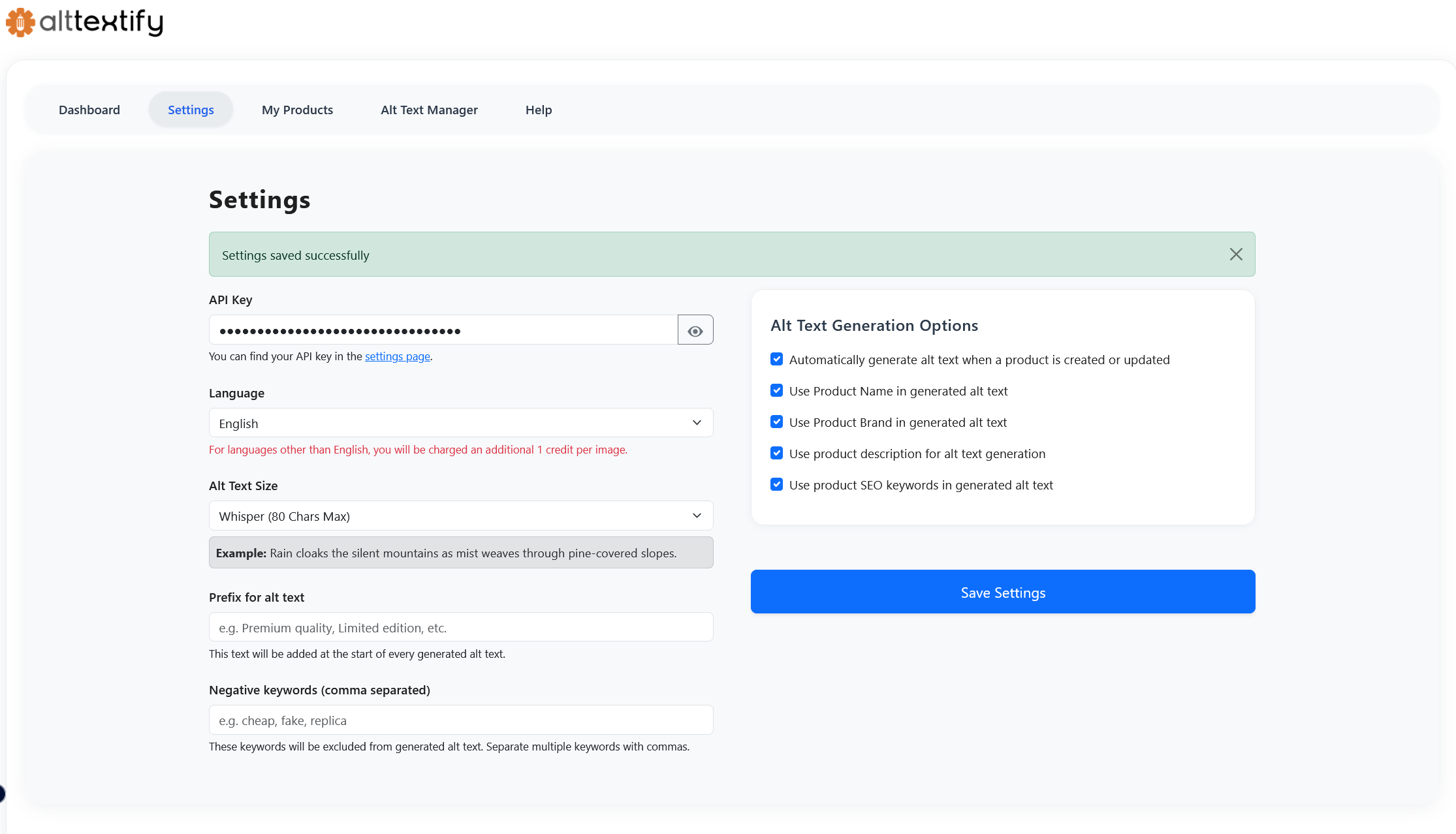
Settings
- Copy the API key generated in AltTextify in Settings page.
- Choose your preferred language and alt text size.
- Enable or disable auto-generation and product name/brand options.
- Save your settings to apply changes.
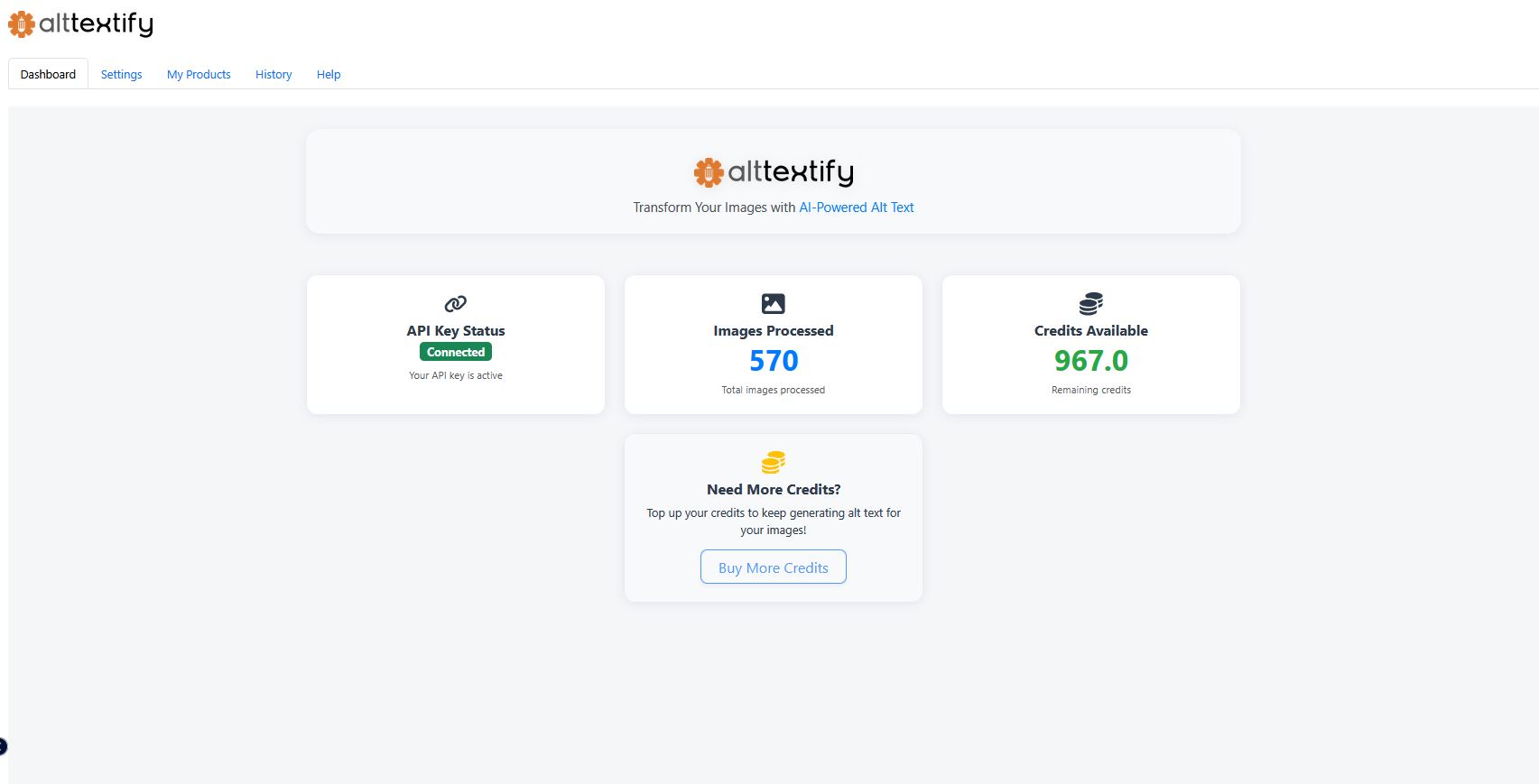
Dashboard
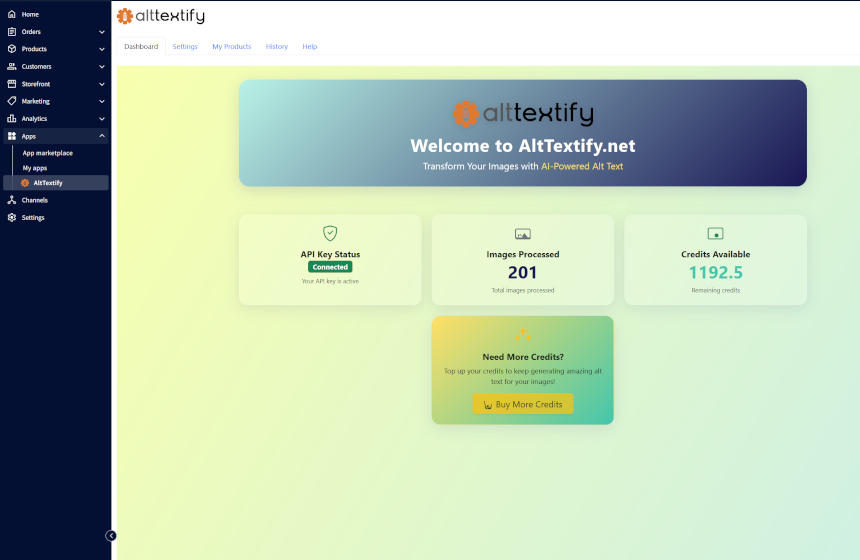
- As soon as the API key is connected you can view your account status, API key connection, and usage stats.
- See your available credits and images processed.
- Buy more credits if needed.
- Quickly access your settings or get started if you are new.
Bulk Processing - Alt Text Generation
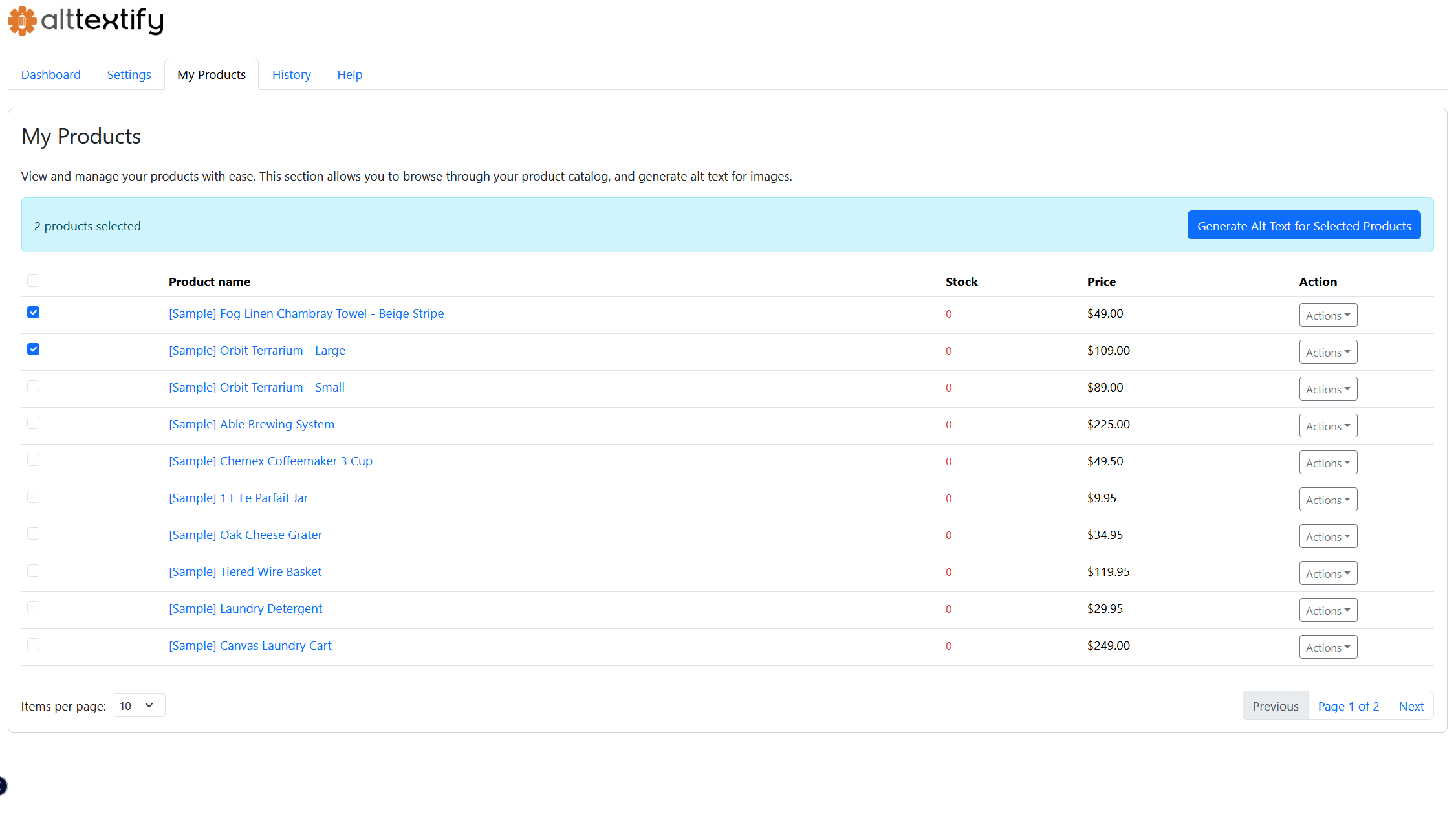
- Browse your product catalog in a sortable, searchable table.
- Select products to generate alt text in bulk or individually.
- Use the dropdown to edit a product or generate alt text for it.
Individual Product
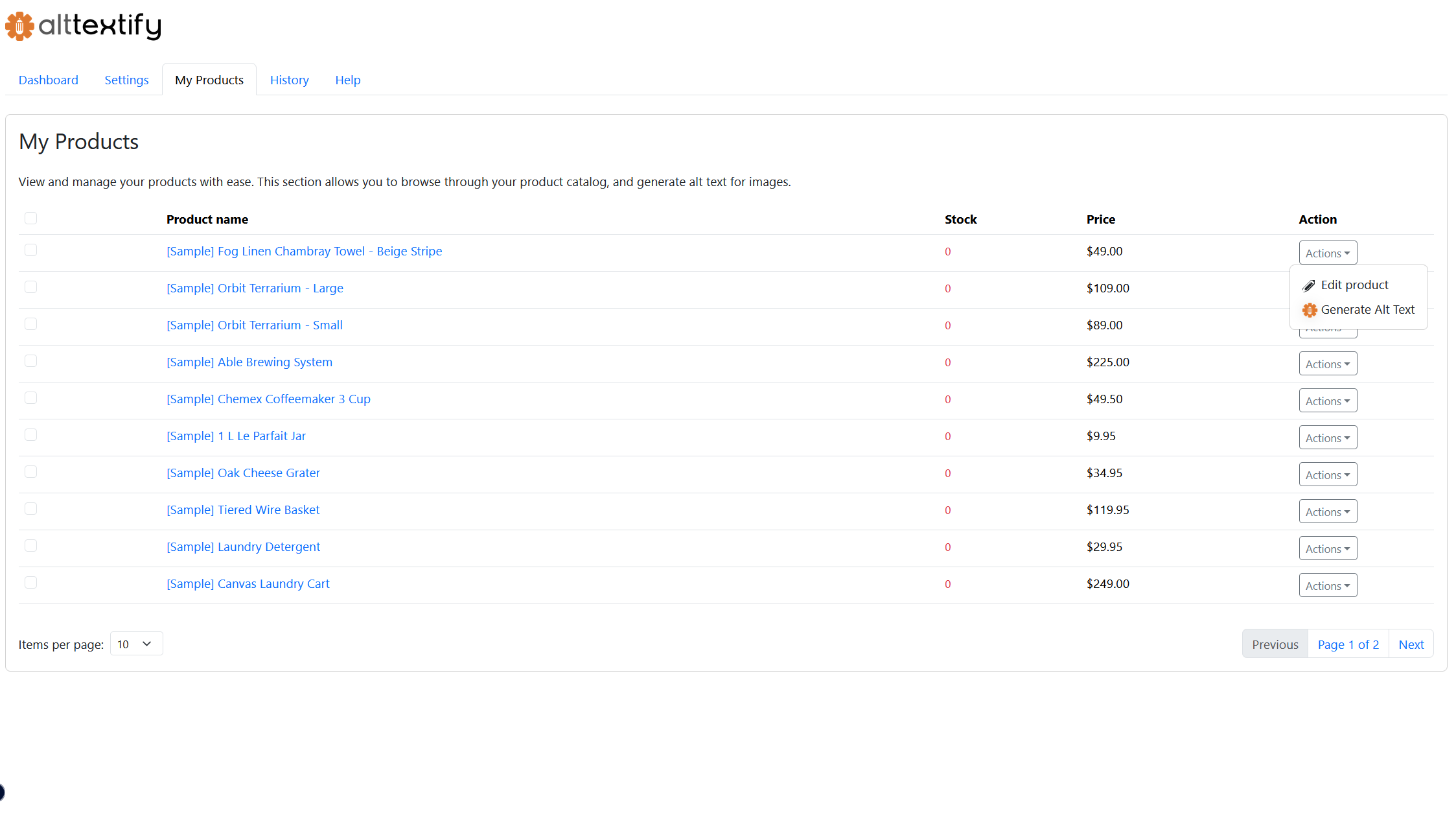
- Browse your product catalog in a sortable, searchable table.
- Select products to generate alt text in bulk or individually.
- Use the dropdown to edit a product or generate alt text for it.
Alt Text Verification
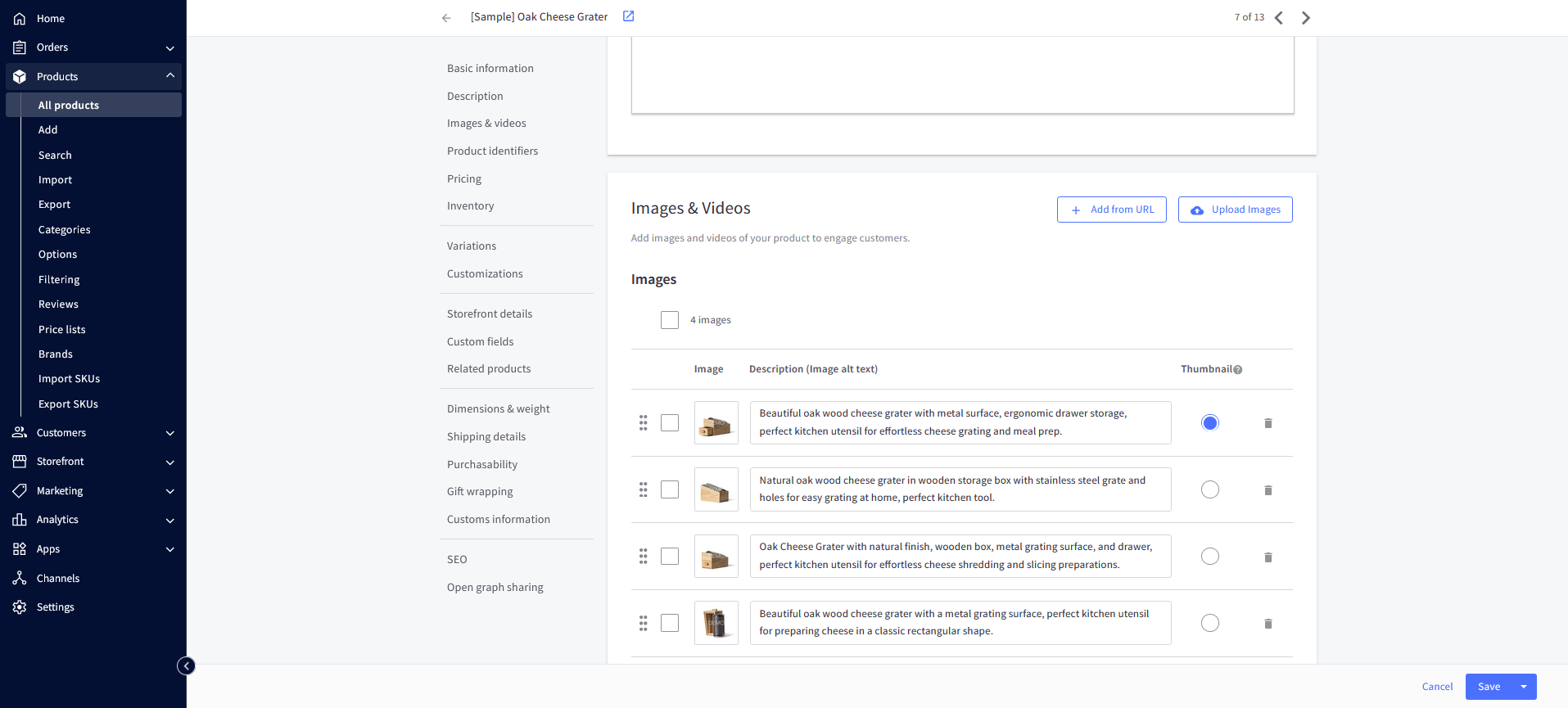
- Click on Edit Product and go to image section
- You should see the alt text generated by AltTextify.net
- You can also verify the alt text generated for your product in the Alt Text History tab
Alt Text History
- View a log of all alt text generated for your products.
- See details like product name, image, alt text, status, and date.
- Use pagination and filters to browse your history.